







HyperChild
Child Themes in a single Click
Truly ‘SINGLE CLICK’
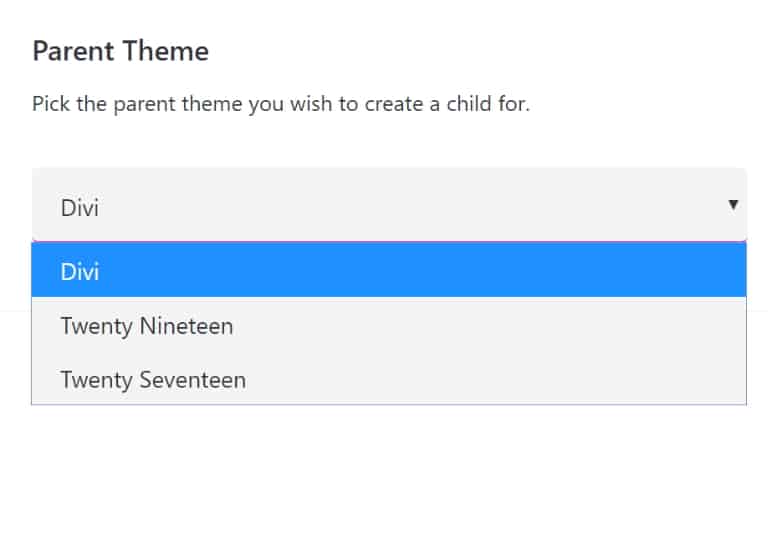
The HyperChild plugin let’s you genuinely create AND ACTIVATE a child theme in ONE CLICK. If you’re using Divi, the parent theme defaults and there’s no need to change anything, just click the CREATE button. It’s the quickest and easiest way to create a Child theme on the planet.

Built for Divi, works with everything
The HyperChild plugin was built for (and defaults to) the Divi parent theme if you have it installed. But don’t worry, if you’re not using Divi it works perfectly with any other WordPress theme.
Stunning Design
Don’t you just hate the oldskool, ugly WordPress plugins that had absolutely no thought put into the design? Yeah, me too! That’s why I’ve made sure the HyperChild plugin not only works great, but looks great too!

Advanced Options
The default options are all you need for a simple child theme, but for those of you who love to tweak just wwitch on the advanced options and you can set the theme name, folder location, upload your own theme image and more.

Get HyperChild and more FREE STUFF!
Sign up for our mailing list and HyperChild is all yours. You’ll also get ALL of our custom module layouts completely for FREE.